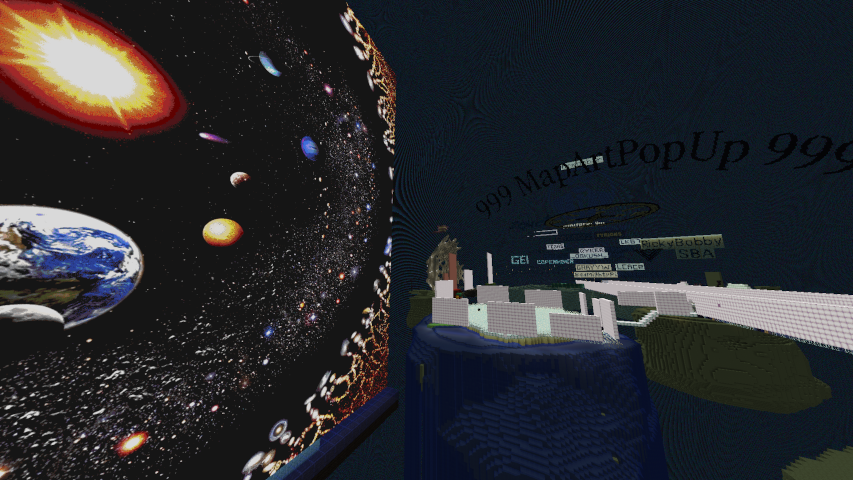
Warp Exhibits
2b2tmuseum.org has over 340 warps available for you to see. To browse them, type
/warp
to leave Survival mode and open the Warp GUI. Each warp has a relevant icon chosen for it. Hover over it to see some
information about it, and click to teleport.
-
Upon teleporting, a book will appear in your hotbar. You can open this book to read any neat facts written about the particular location you have visited.
-
To resume your anarchy Survival gameplay, you can run /freecam or
/fc, and your player-file
will be reverted to exactly how it was before you left Survival mode.